Photograph Dinner Before It Gets Cold
A sequence of small choices about light, angle, focus, and edits can give a phone photograph a clear subject in under a minute.
In this article
A plate arrives with a crisp edge of pastry, a spoonful of sauce, and a white bowl reflecting the ceiling. Put a phone directly over it and the pastry may disappear into the plate's rim. Hold the phone low and the evening window might turn the sauce into a bright patch. You have about a minute before the people at the table wonder why nobody is eating. The useful thing to learn is which small change is worth making first.
You can practice this with an apple, a piece of bread, or a leftover meal on an ordinary plate. A reliable photograph of everyday food depends on a direction for the light, a clear reason for the viewing angle, and a sensible place to focus. The equipment you have already used to buy groceries or send a message is enough to work out where those choices help.
Start with the light already in the room
Look at the plate before opening the camera. Find the side where the textures are easy to see and the side where they flatten out. Window light entering from the side often gives a ridge of bread a bright edge and a visible shadow. A ceiling fixture straight above a shiny plate can give you an oval reflection while offering little of that texture. Move your seat or turn the plate a little before touching a brightness slider.
A white napkin can act as a small reflector on the dark side. Hold it just outside the frame and see whether the shadows lift enough to retain detail. Back it away if the food begins to look flat. A dark menu standing beside the plate can have the opposite effect by blocking light from one side. These changes are easiest to judge when you look at one specific place, such as the cut edge of the crust or the seeds in a slice of fruit.
If the room combines daylight and colored lamps, see whether one light dominates the subject. Food close to a window can be lit by cool daylight on one side and a warm bulb on the other. Adjusting the whole picture toward warm or cool will affect both sides together. Turning the plate or moving it a short distance may give it more consistent light. At a shared table, accept a little warmth and take the picture quickly. The color of the room is sometimes part of what you wanted to remember.
Let the food choose the angle
Use a fairly high angle to show arrangement. Flat dishes with ingredients spread across the plate can read well from above. Watch for your own shadow as you bring the phone over the table. A slight shift to the side can move the shadow away while preserving most of the arrangement. A lower viewpoint favors height: the middle of a sandwich, layers in a glass, or the edge of a pie. If a bowl's lip hides the thing you want to show, lift the view until there is a clear line to it.
Make two frames from different heights before filling the screen with the first one. Keep the same subject in mind both times. If the reason for the photograph is a cross section, the most orderly top view may hide the cross section completely. If you care about how several dishes fit on the table, a low view of one of them may obscure the others. The angle tells the reader what mattered to you.
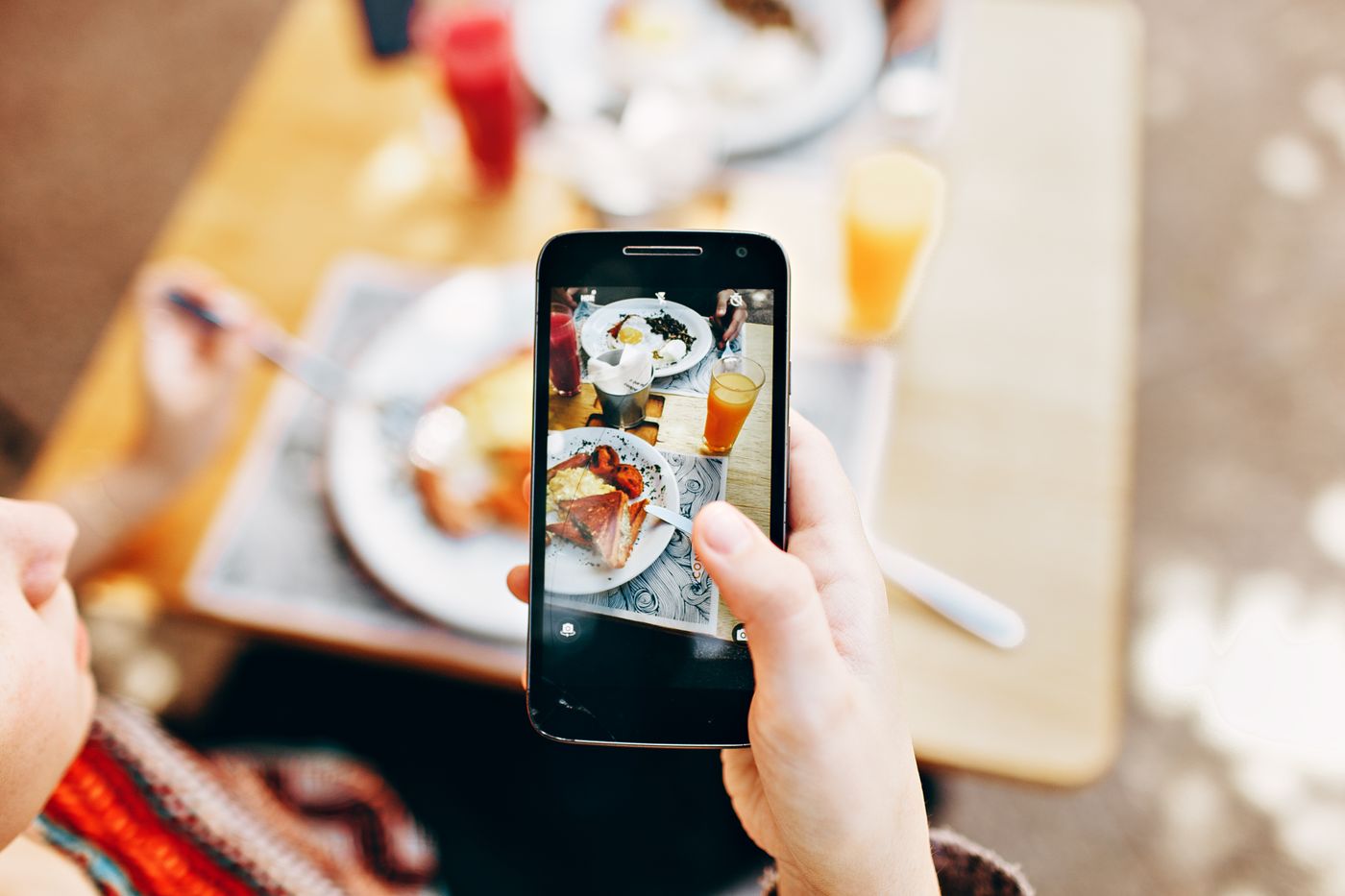
Check the edges in the viewfinder. Half a knife handle or a bright bit of packaging can be more visible than you expect. You can sometimes eliminate the distraction by moving the phone a few inches, with no need to tidy the table. Leave enough space for the use you have in mind. A portrait image for a recipe card needs a different margin from a group picture you want to share directly. If you are unsure, give yourself a little room around the plate and make the final crop later.
Use focus to make the picture legible
Tap the part of the dish you want viewers to see first, if the camera app supports touch focus. Take a breath and hold the phone steady while you make the frame. At an oblique angle a nearby garnish can be quite far from the main subject in camera terms. Focus on the garnish and the textured part of the meal may become the blurred background. If neither part is reliably sharp, back the phone away a little and crop later. Phones can have trouble focusing very close, and they may switch lenses or modes near the limit.
Watch the exposure after touching the screen. Some camera apps change it based on the area you selected. A dark corner chosen for focus may cause the rest of the picture to brighten. If there is an exposure control, move it slightly downward when the highlights on the plate or sauce become flat white. Aim to retain the detail you actually need. A tiny point reflecting a bulb is less important than a bright area across the whole front of the food.
A phone can use longer exposures or several captures to make a dim scene look brighter. Keep that in mind when the subject moves. Steam, a hand adding a garnish, and a spoon pouring sauce can all look different in a long capture. For a scene in motion, make another frame when the hand is paused or choose a brighter position if you can. You can also take one picture of the finished plate and one quick image of the action, giving each its own purpose.
Make the first edit about what belongs in the frame
Start with cropping and straightening. Rotate enough to keep a table edge from looking accidentally slanted if it is important to the composition. Check whether the crop separates the dish from clutter or removes useful context. A cup at the side can explain the size of a small pastry. A large white plate can look like empty space until you notice that it helps keep the darker food distinct. Leave enough edge around the main feature that it still looks intentional on a phone screen.
Make modest changes to brightness, warmth, or contrast after the crop. Compare with the unedited version. If the crust starts to look gray while the sauce goes neon, back off. Increase color only when it helps the picture resemble what you remember under the light. Different screens will display the same file differently. When sharing a recipe, preserving the appearance of doneness or texture usually matters more than matching an idealized color.
Avoid edits that make the subject harder to understand. An artificial blur can be unconvincing where a fork crosses the plate, and a strong sharpening adjustment can create bright edges around crumbs. Look at the image at the size a recipient will use. A tiny mark that is obvious at extreme zoom may have no bearing on the photograph, while an unclear subject or a bright edge remains distracting even in a small preview.
If several people want a copy, agree on which frame to share before applying different crops in different apps. Send the original or a sufficiently large edited version when someone plans to print it. A low-resolution message attachment is often fine when the photo is only a memory of dinner. If the table also contains tickets, receipts, or other personal information, inspect those corners before sharing. Cropping them out can improve a composition for entirely practical reasons. Preserve a separate uncropped copy if the wider scene matters to you.
Give yourself one quick sequence
For an ordinary meal, try a simple order. Look for the stronger light, turn the plate if necessary, choose either the arrangement or the height, focus on the detail you want, and make two frames. That should fit comfortably into a normal pause. If you capture an excellent picture in the first frame, you can stop there. If both are wrong for the same reason, change that reason instead of recording eight more versions of the same view.
Practice the sequence with a single piece of bread, first near a window and then under the usual evening light. Make a low frame and a high frame in each condition. Compare them without looking for one overall winner. Ask which frame best shows the surface and which most clearly shows the shape. What you learn will carry over to a plate with more complicated textures, because you have seen the difference when the scene was simple enough to inspect.
Finally, decide what the image is for. A note to your future self about portion size needs a clear reference. A picture that goes with a recipe may need the finished texture and an honest color. A message to a friend can be about the setting and the people who made the evening fun. Each purpose gives you a good reason to stop adjusting the camera, put the phone down, and eat.