Computing & Hardware
Check a Media Transfer With SHA256 Before Trusting It
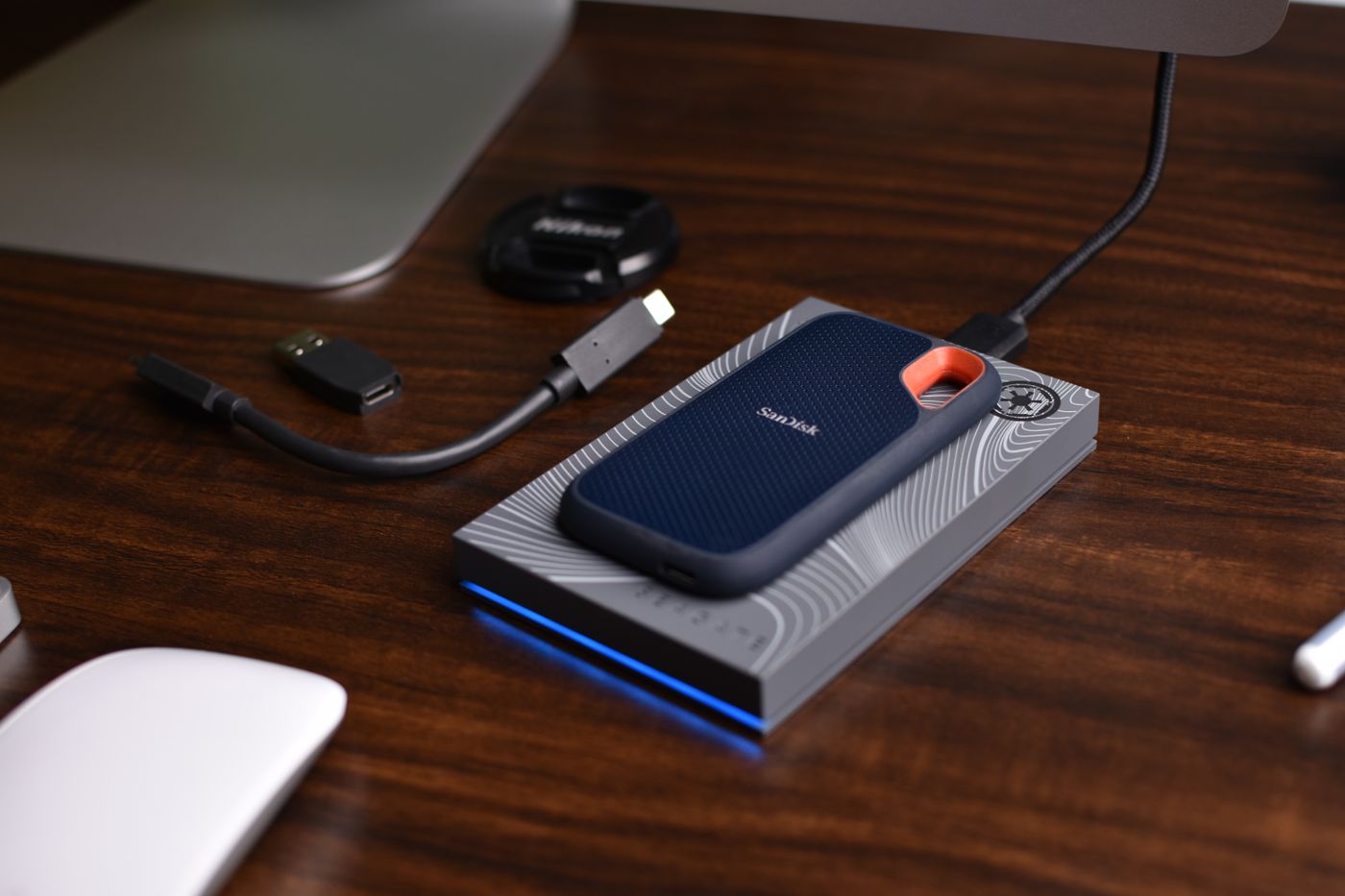
Compare a source and a copied recording by content, and learn to separate a definite mismatch from a file the computer could not read.

Read about AI, computing, and the software behind everyday technology.
Computing & Hardware
Compare a source and a copied recording by content, and learn to separate a definite mismatch from a file the computer could not read.
Artificial Intelligence
Run a short paired search experiment and distinguish a change in order from a change in who gets to appear.
Computing & Hardware
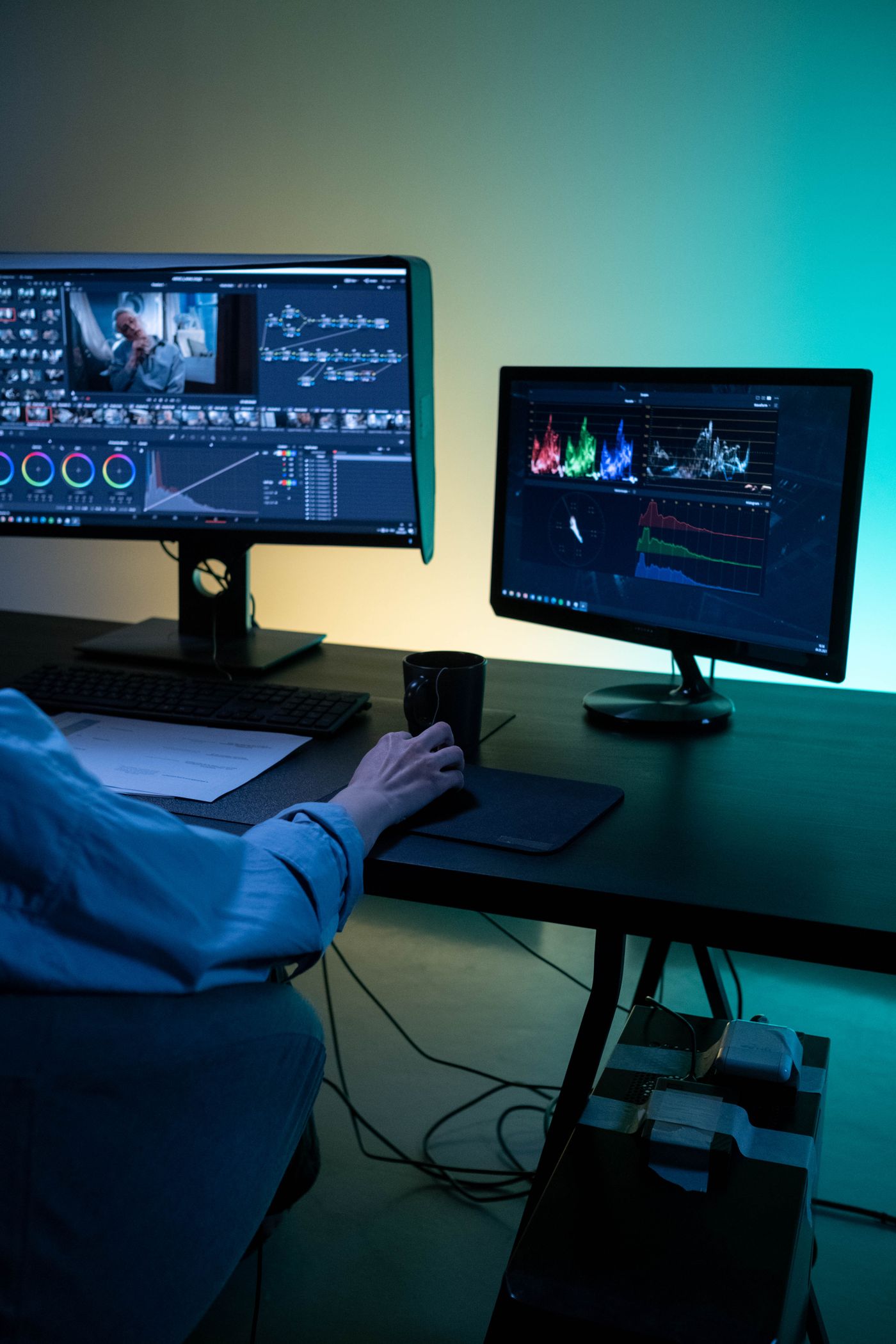
Check how two ordinary video sources render dark and bright detail, then isolate whether the difference follows the file, player, or display input.
Artificial Intelligence
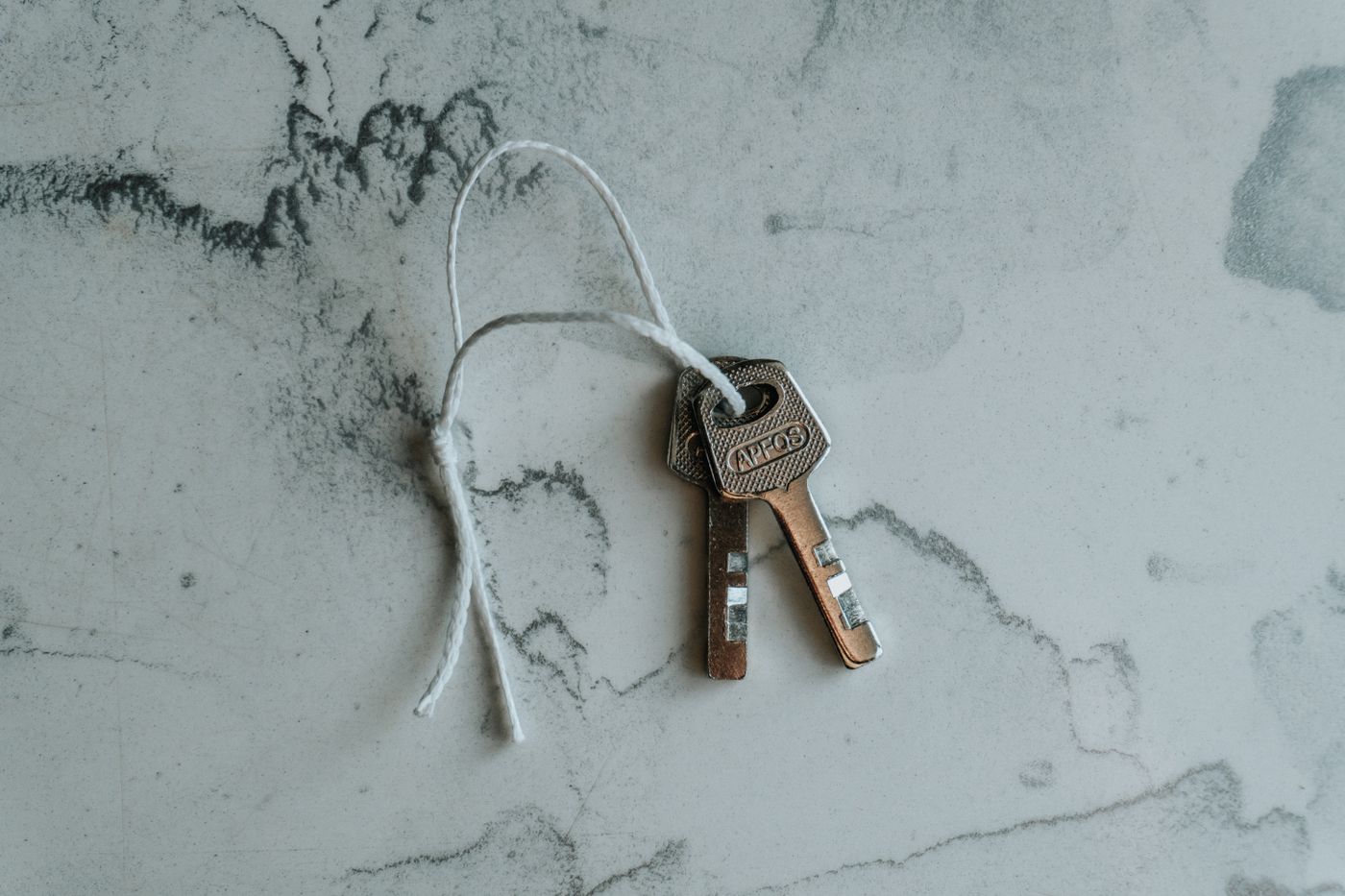
Use photographs of two nearly identical household keys to see whether a model's scores support the decisions you would make with them.
Artificial Intelligence
Use timestamps, short listening passes, and explicit uncertainty to edit interviews without giving doubtful words more authority than the recording supports.
Artificial Intelligence
A small glossary can preserve labels across a manual or interface when it includes examples, exceptions, and room for a human decision.
Artificial Intelligence
Keep concept art distinguishable from photographs when an image leaves the design presentation and reaches a buyer, colleague, or catalog.
Software & Apps
Leave a searchable pointer between email conversations so a new subject retains useful context without inheriting every old recipient or assumption.
Software & Apps
Use a small folder of harmless files to discover whether desktop search matches names, words in documents, or a wider scope than you expected.
Software & Apps
A small set of witness rows can catch lost leading zeros, changed dates, and misread separators before you build a report on the imported data.
Software & Apps
Before committing to a notes app, export a small collection and check whether the words, attachments, and links remain usable somewhere else.
Computing & Hardware
Observe memory pressure, separate slow pages from slow switching, and change one part of a working browser session at a time.
Computing & Hardware
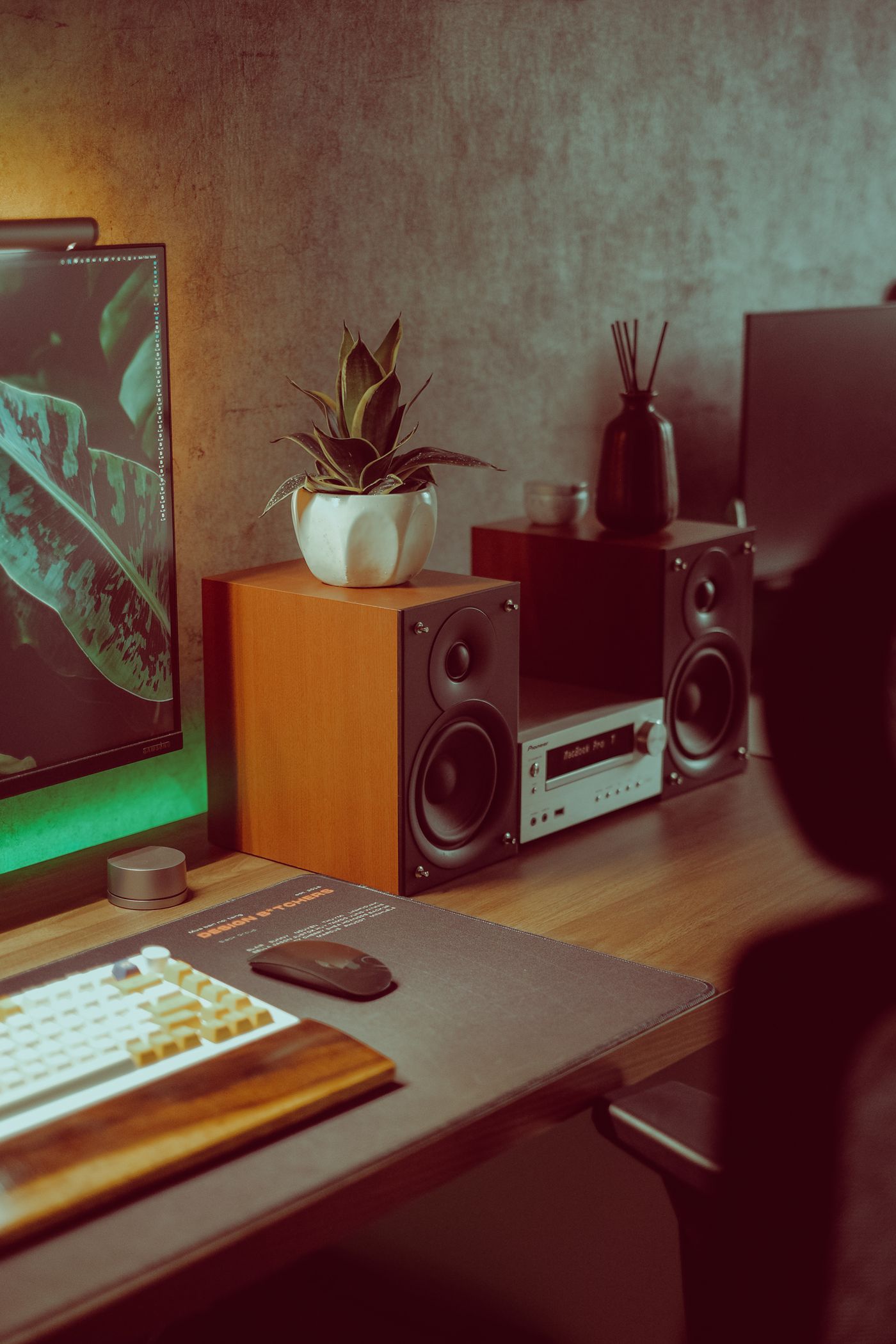
Follow one known audio source through the app, computer, cable, monitor, and speaker before assuming that any of the equipment is broken.
Computing & Hardware
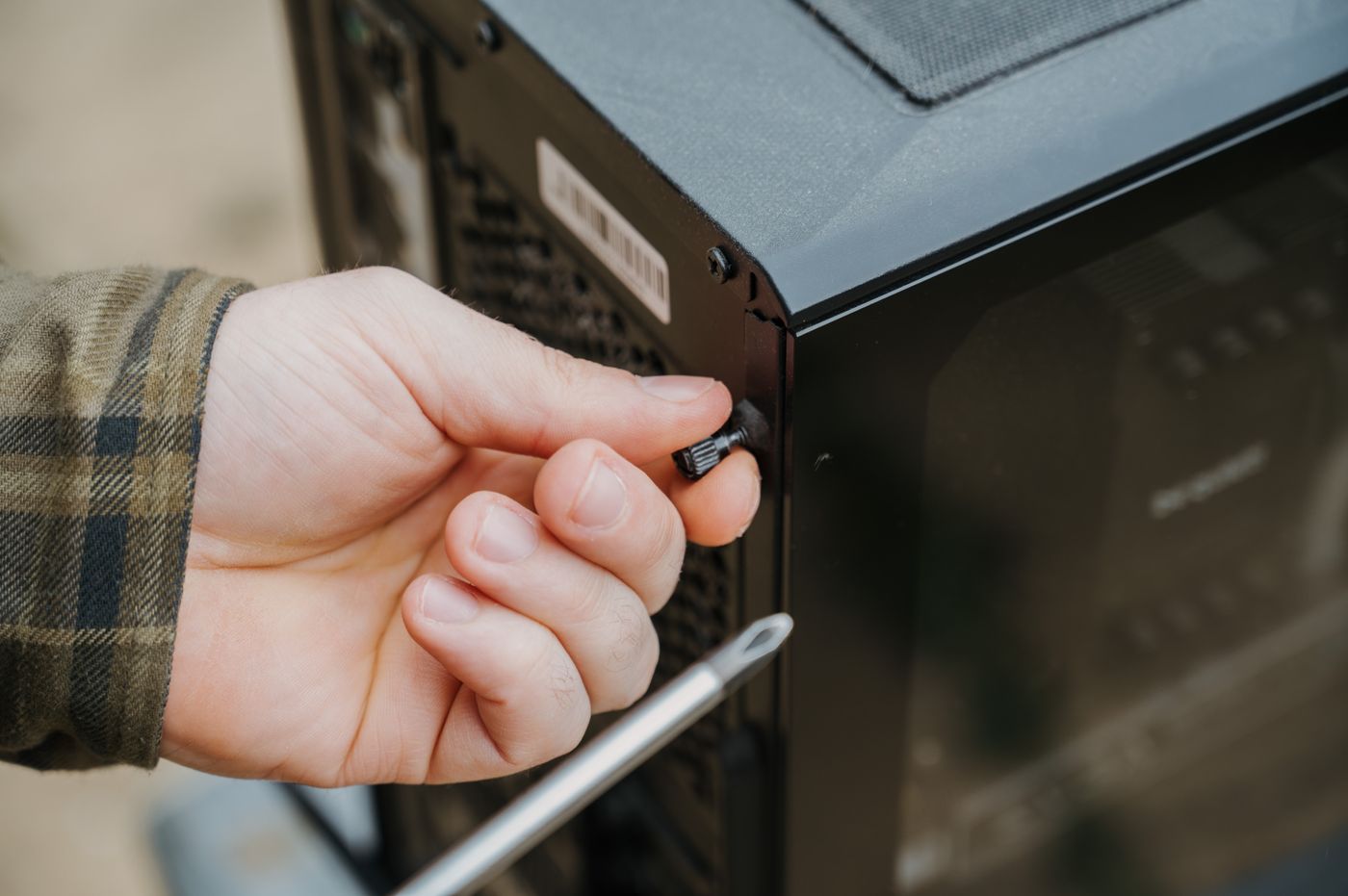
Use the timing and character of a new noise to separate a busy fan, a vibrating surface, and equipment that needs a closer look.
Computing & Hardware
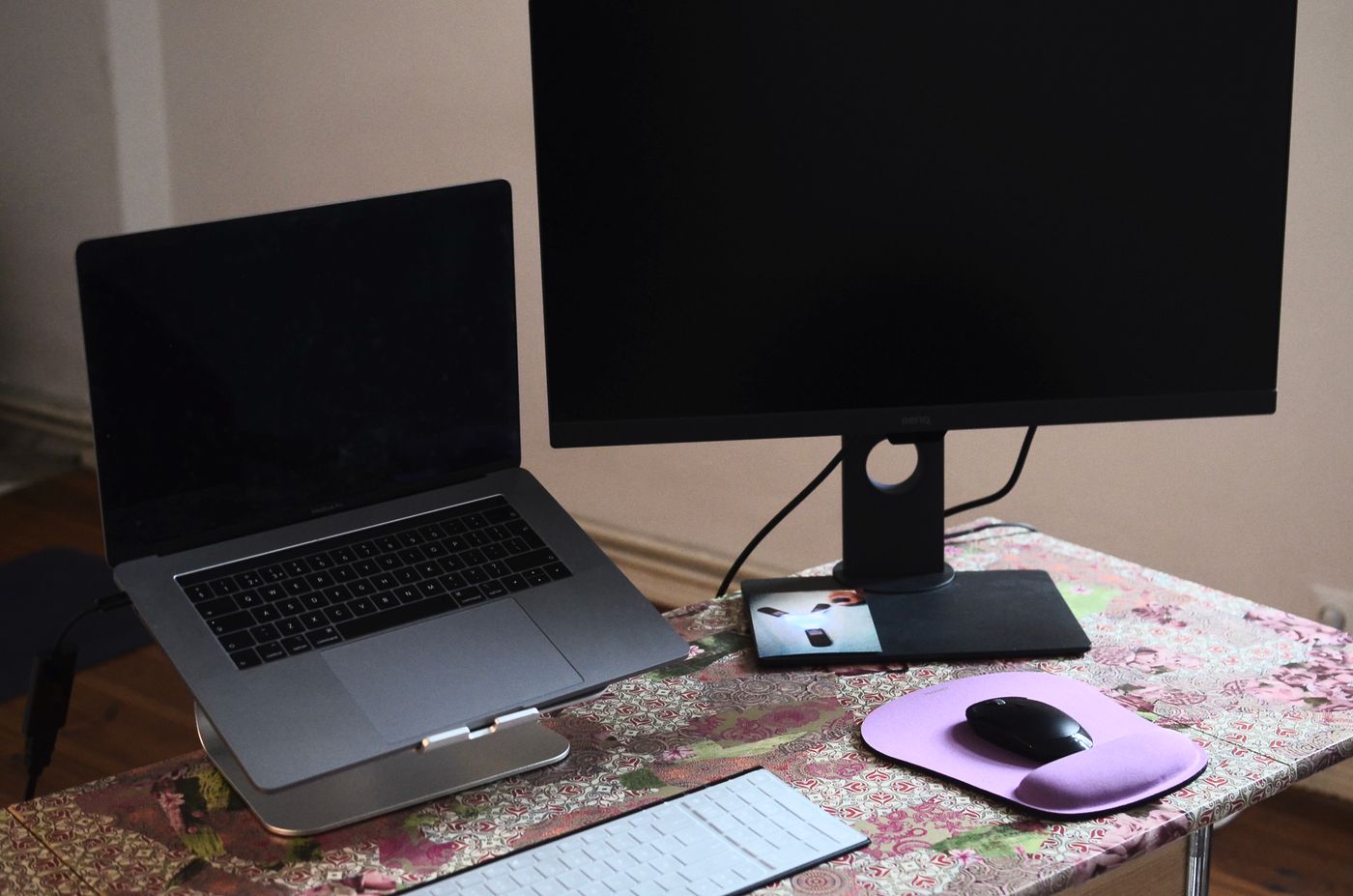
A day of readings can put the laptop, monitor, and idle accessories in proportion and reveal which changes would actually affect energy use.
Gadgets & Wearables
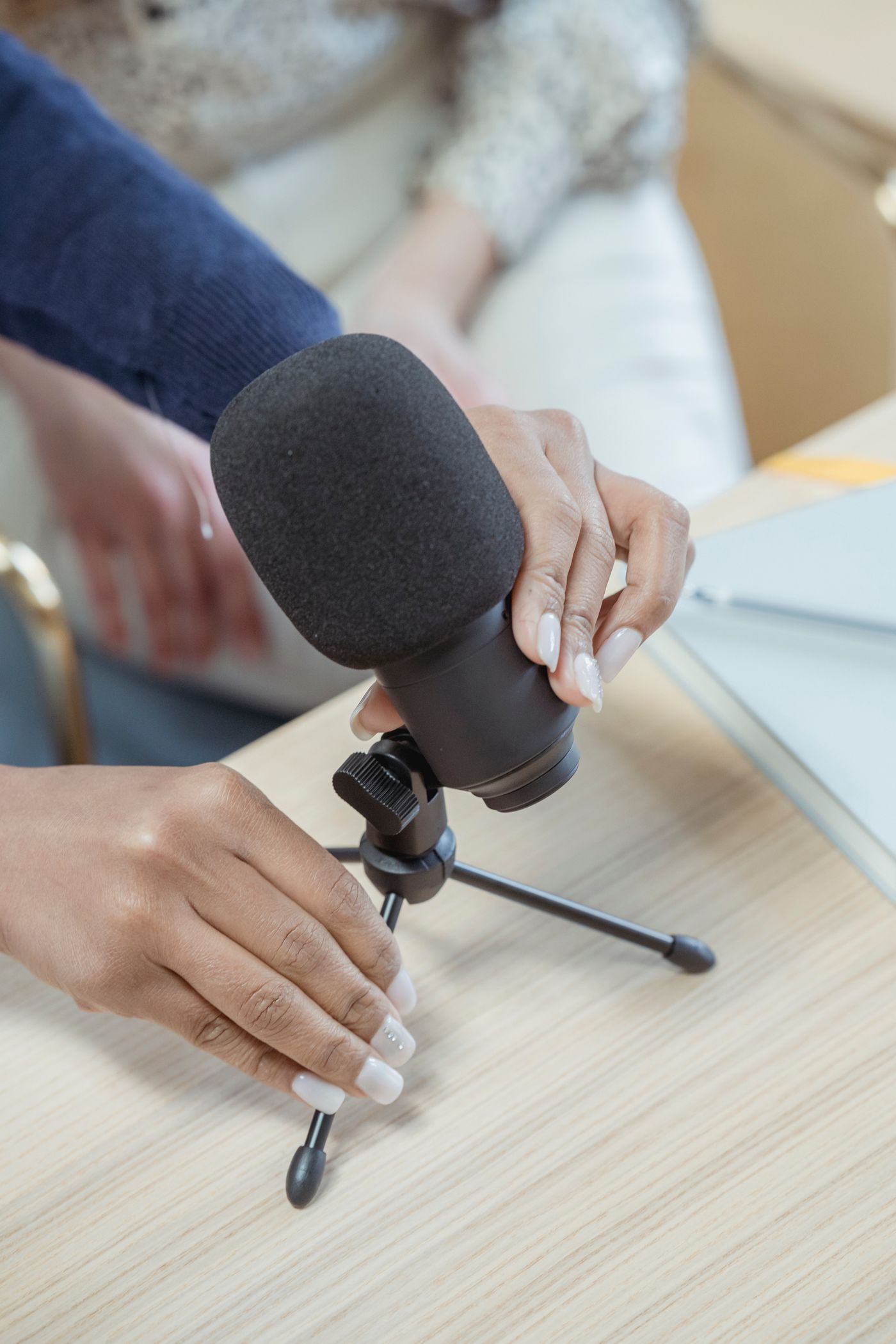
Set recording level from a repeatable take, separate microphone position from electrical gain, and leave room for the loudest line.
Gadgets & Wearables
Compare the same scene through several listening paths and use the direction of the error to choose the next useful test.
Gadgets & Wearables
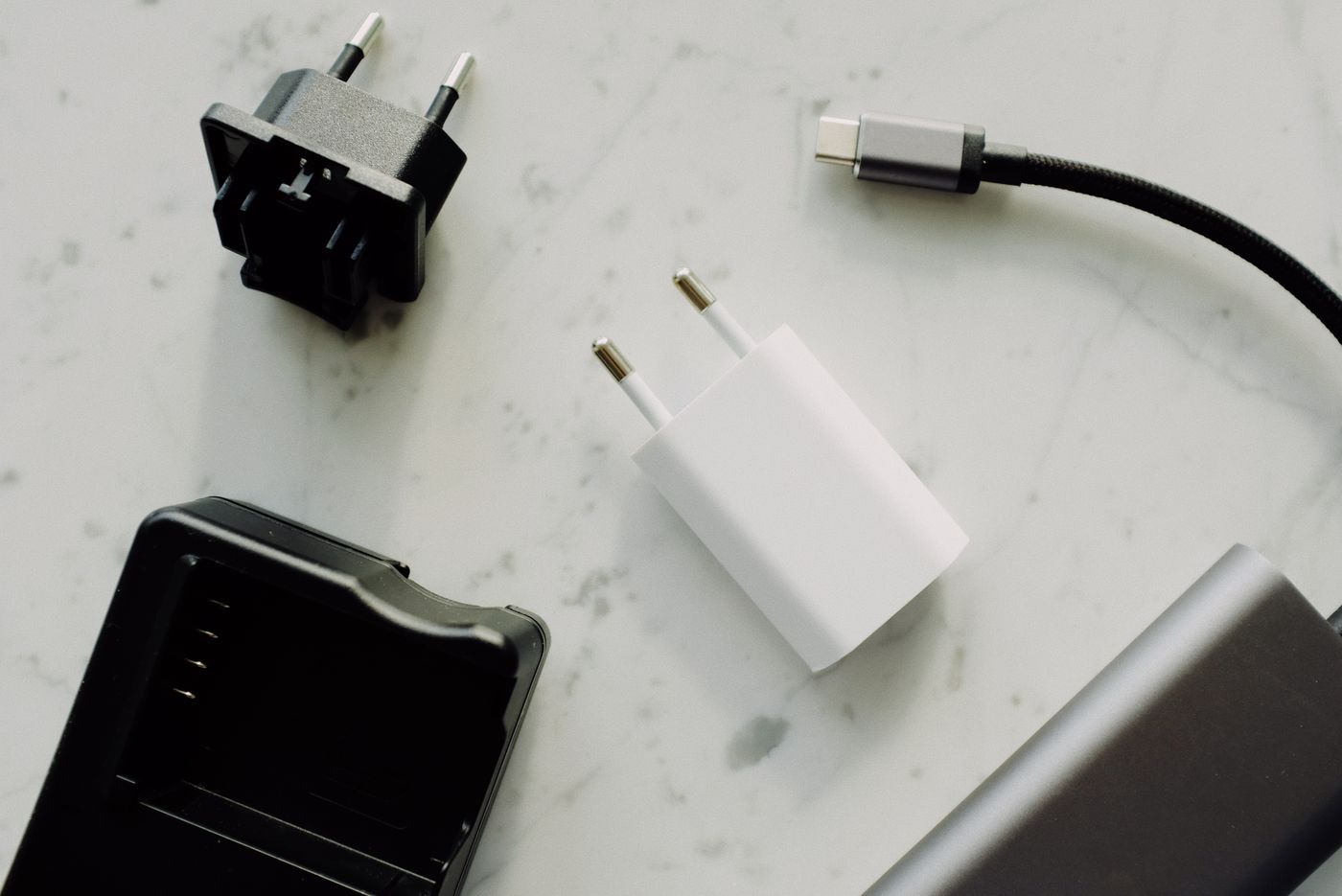
A shared or multipurpose desk works better when each device has a place to land, each cable has a job, and the changeover takes fewer steps.
Gadgets & Wearables
Label a few cables for jobs you have actually verified, so charging, a monitor, and a file transfer each have a dependable starting point.
Smartphones
Use two labels you own to distinguish a tag being detected, a record being read, and your phone deciding what to do next.
Smartphones
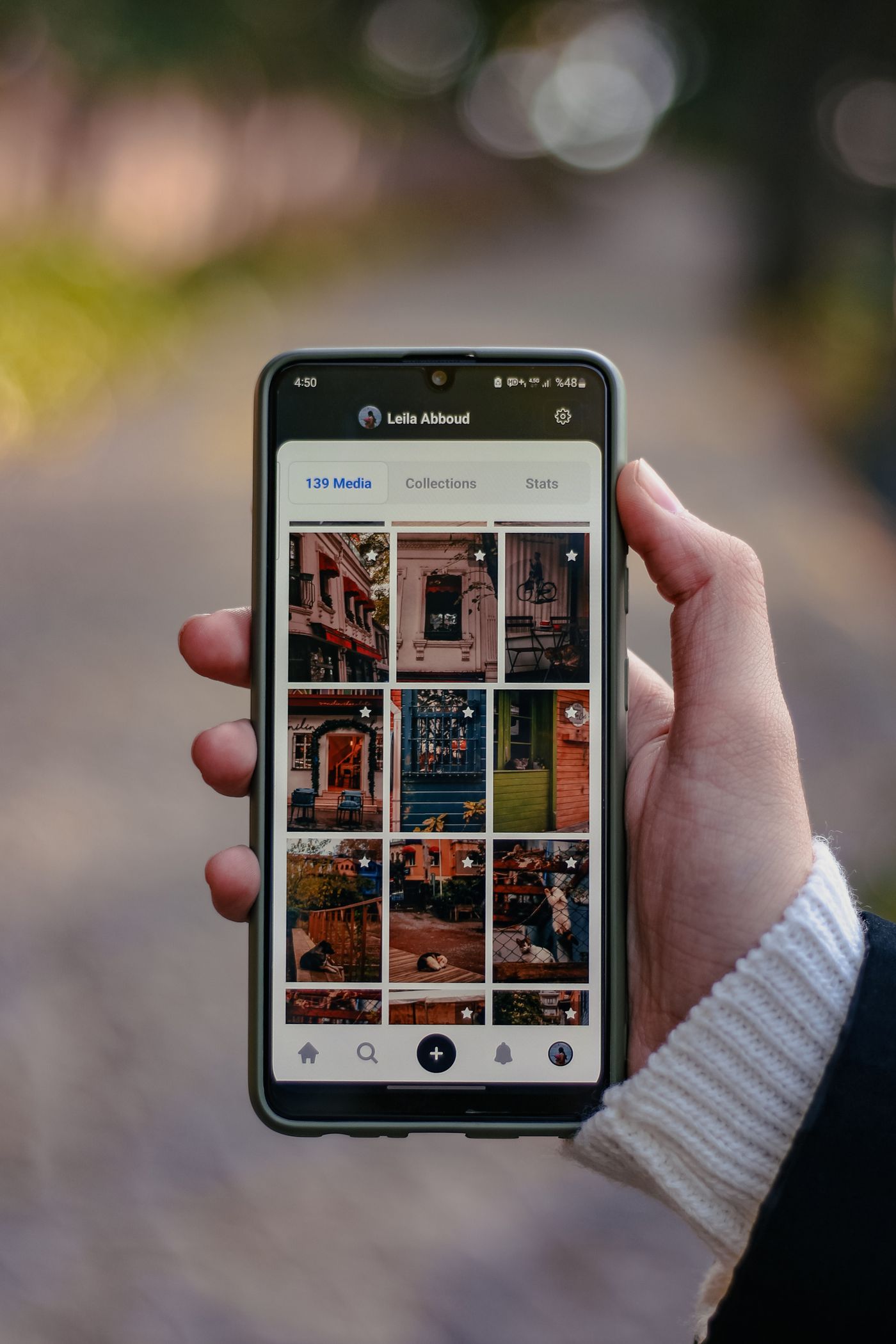
Follow one photograph through an original export, a direct copy, and a new rendition to learn which date belongs to which event.

Smartphones
Practice opening screens, moving through a list, and editing a harmless note while keeping a familiar touch route available.

Smartphones
Build a short sequence of pictures for someone beside you, practice the viewing path, and decide separately whether anything needs to be sent.