Trace Lip Sync Delay From a TV to Wireless Headphones
Compare the same scene through several listening paths and use the direction of the error to choose the next useful test.
In this article
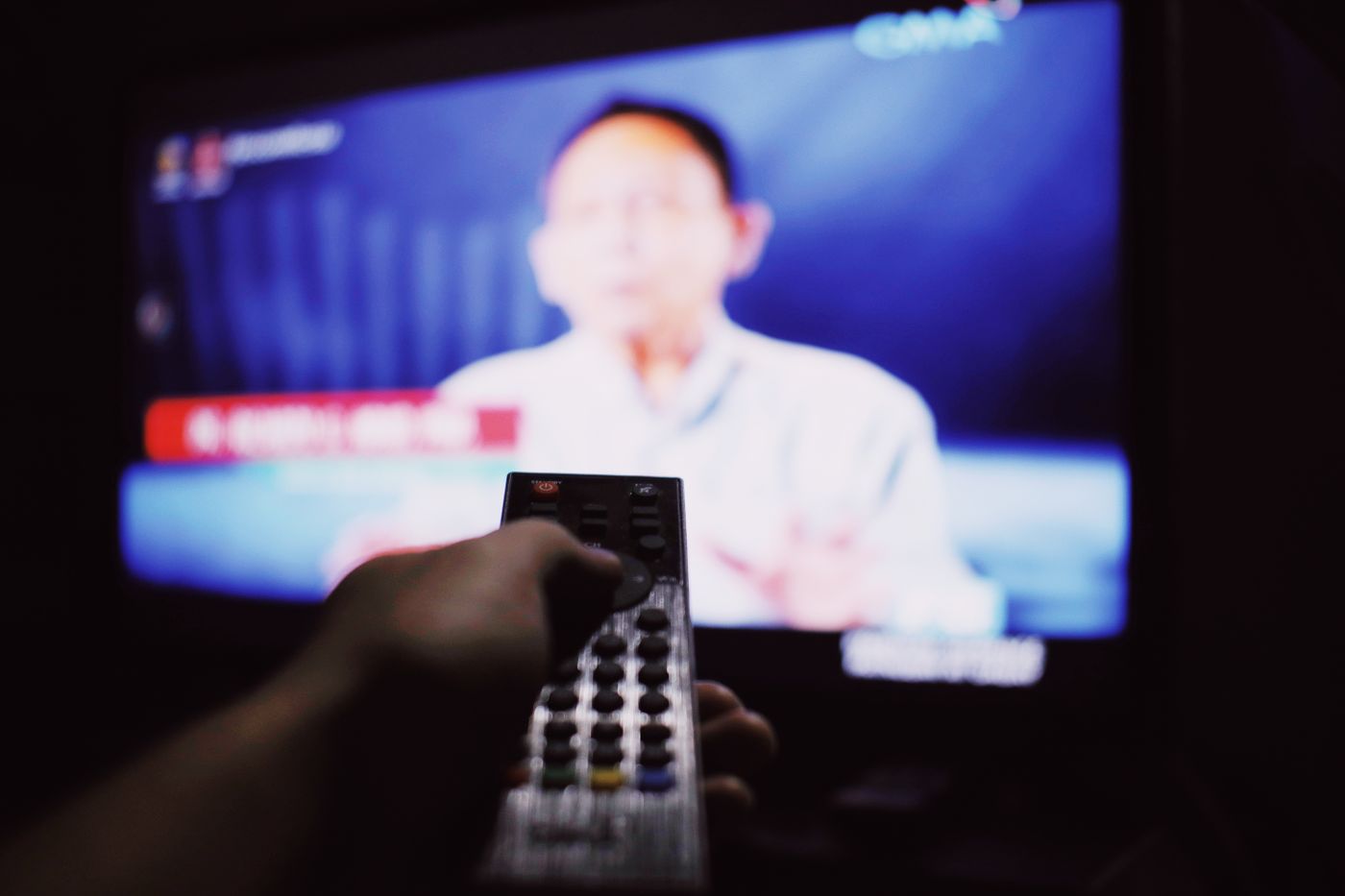
Someone on screen closes a drawer. You see it reach the frame and hear the knock a noticeable instant later. Dialogue has been a little uncomfortable all evening, but the drawer makes the direction of the error clear. Now switch from headphones to the television's own speaker. If the sound arrives near the expected instant, you have a narrower problem than “the TV is out of sync.” If the same drawer still lands late, a longer part of the chain may be involved.
Wireless headphones make this especially interesting because their delay is only one part of an audio and video system. A streaming box, a television, a wireless transmitter, and the headphones can all take time to process signals. The picture also has its own delay. What annoys you is the difference between the time at which the picture appears and the time at which the corresponding sound arrives, not the sum of audio delays considered alone. Compare a few ordinary configurations before trying to correct everything from one menu.
Pick an event with a clear direction
Select a clip with a recognizable transient that belongs to the picture. A hand clap, a door closing, or an object tapping a table works better than music over a montage. If you use a sync test clip, choose one from a source you trust and verify it against a path that sounds plausible. A downloaded test or a local recording you are allowed to use can give you a repeatable moment. An arbitrary clip from a streaming page may already carry audio that was edited slightly away from the picture.
Observe whether the sound leads the visible event or trails it. Write that down as a sentence rather than a sign. “The knock happens after I see the drawer close” is harder to misunderstand than “plus forty,” especially when settings use inverse conventions. Use the same event more than once. A spoken word can be hard to line up by eye. A short visible contact gives a more recognizable reference. Treat your observations as qualitative unless you have a documented way to measure the offset.
If you make a reference recording of the TV for personal troubleshooting, keep the equipment and recording method consistent. A camera can add its own timing difference. Room distance affects when the physical sound reaches a nearby listener or microphone. Those effects need not defeat a rough comparison between two paths if you preserve the setup. They do make a handheld recording poor evidence of an exact number. Check the result by ordinary listening as well.
Compare the shortest practical path first
Use the television's built-in speaker with the first source and run the same test. Record whether the clip seems reasonably aligned. Then pair the wireless headphones to the television as you ordinarily would and replay the event. Change nothing else for that comparison. If the problem appears only with that output, it gives you a target. If it persists with the built-in speaker, look at the source, the input, or the television's handling of the two signals before blaming the headphones.
If you normally use a streaming box, try the same clip on a built-in TV app as an independent check if it is available in both places. Similar programming is not necessarily byte-identical, and two releases of a clip can be different. A repeatable example in both places is best. If the paths disagree, record the source device and the app separately. An app can have its own buffering behavior, and a box that sends through an input adds a different chain from an app running in the television.
Next compare another ordinary piece of content from the same active device. A delay in one film, broadcast, or stream can come from material that arrived out of sync, especially if all listening paths repeat the error. A delay that recurs across many selections but only on one output is more interesting. Do not try to fix the television globally after observing one oddly dubbed scene. Begin with what changes when you move only one part of the path.
Name the route the audio actually follows
A wireless headphone may be paired to the television, to the streaming box, or to an external transmitter. Each pairing puts the wireless step in a different place. Trace your configuration from the player to the ears and name the endpoint responsible for sending the audio. Also check whether a wired connection or separate TV speaker is in use at the same time. A second path can make the room sound like an echo and complicate the judgment even if one path is reasonably aligned.
Audio can be decoded, adjusted, queued, and sent through the wireless transport before the headphones buffer or process it. Video can be decoded and then held for picture processing. Neither path is guaranteed to be the same across all modes. A motion or picture feature might add time to display while leaving sound unchanged. A change in listening mode or output might add time to sound while the picture remains stable. The relevant observation is which reaches you first after the change.
Keep equipment-specific features conditional. Sony documents that some combinations can have a noticeable lip-sync delay over Bluetooth and describes options that depend on the television. Apple documents calibration features on compatible Apple TV equipment for particular routes. Documentation for a nearby model does not promise the same behavior on your own. Check the menus and guide for the actual device and confirm whether a control applies to the output and content path you are testing.
Adjust in the direction the error allows
If the sound arrives before the picture, an audio delay setting may allow you to hold it back. If the sound already arrives too late, adding more audio delay cannot help. A useful compensation might delay the video, use a lower-delay listening path, or change where the audio is sent, depending on the equipment. Some menus use a broad label such as audio sync. Read what the control changes rather than assuming that a larger value moves the picture in the direction you need.
Make one adjustment and repeat the same scene. A sync setting may apply per input, per app, or only to a particular output. Look at a second source after making progress with the first. If built-in audio was aligned and a global adjustment makes it worse, consider whether you can keep the compensation local to the headphones. Keep a note of the initial setting so you can restore it. A good adjustment solves the route you care about without creating a new problem in the configuration you use the rest of the time.
Avoid borrowing arbitrary values from unrelated equipment. Two headphones may behave differently even when they share a general connection description, because the supported transmission and processing path depends on the whole pairing. A documented lower-latency mode can be worth testing if both ends support the intended behavior. Moving back to a suitable wired output is another way to find out whether the delay specifically follows the wireless path. Choose comparisons that your equipment already offers before buying anything.
Recognize when a fixed correction will not hold
If the lag changes after you pause, switch apps, or resume a stream, record that behavior. A fixed delay correction addresses a stable offset. It can be a poor fit for a problem that changes over time. Test the same scene straight through and after a short pause. If a familiar path that usually works suddenly behaves differently, restart or reconnect using ordinary device controls and retest. A reproducible degradation tied to one source and one action is useful to a support team.
Check the activity you actually intend to use. Movies can tolerate a well-chosen compensation even when it adds some total delay. Content that responds immediately to controls presents another problem: even synchronized sound and picture can both feel late relative to your input. A setting that feels good for a television show does not automatically feel good for games or a live musical application. Judge each common route against its own need.
Try the comparison with just the listener you need. Some television modes allow the built-in speakers and a headphone output to run together, which can be valuable when two people need different volume levels. In that case check both paths with the same scene and ask whether the intended listeners can hear either unwanted path. A fix judged while one output is muted may leave a distracting delay between two audible sources when both are restored. Label that separate two-listener test correctly in your notes.
Leave a concise map of your findings. For example, “The built-in app and television speaker aligned. The same clip trailed through the headphones paired to the TV. The alternate listening path aligned without a global change.” That account is specific enough to repeat after an update or a device change. It tells you where the useful comparison happened and why an attractive-looking sync control was either appropriate or a step in the wrong direction.