Plan a Phone Battery Day Instead of Packing Two Chargers
Trace the parts of a day when a phone actually needs power, then test a charging stop or portable battery against that schedule.
In this article
By late afternoon the battery shows a small red number. The phone still needs to display a ticket, guide you through the last few streets, and tell a friend when you arrive. Most of the day's battery went to things that were pleasant but optional. You could have taken fewer photographs or used the screen less at lunch. You could also have charged briefly while the phone was sitting on the café table. The useful choice would have been knowing where the unavoidable tasks fell.
A battery plan starts with a timeline rather than a device rating. Draw one real day, identify when the phone has to work, and look for a gap where charging is actually possible. Then try that arrangement once with a reserve. A portable battery may still make sense. So may leaving it at home on a day when a known charger and twenty minutes are enough. You want a routine that reflects how the phone is used, not a permanent emergency kit for every conceivable day.
Put the essential tasks on the timeline
Start with the first task that genuinely requires the phone. It might be scanning a ticket at a gate, joining a short work call, looking up an address, or using it to meet somebody in a busy station. Place the last essential task on the line too. Those are the points the plan needs to cover. In between, note what the phone normally does. A screen showing a map in daylight, frequent camera use, and reading on a train create different patterns, especially when the display stays on for a long time.
Give essential information a second route where it is practical. Check whether the ticket provider offers a downloaded or printable copy and what kind of ticket the reader accepts. A screenshot is unsuitable for some changing codes. A written street address can help when live mapping is unavailable. Agree on a meeting point and a fallback time if losing connectivity would strand the plan. These measures save battery only indirectly, by avoiding a lot of repeated attempts to open information. Their main value is making the day less dependent on a single device state.
Look for a realistic charging interval. A café break helps if you can use a suitable outlet and will have a compatible supply with you. A car leg helps if the vehicle's charging setup works with that phone and how you expect to use it. A conference may have long gaps and no place where you want to leave a device unattended. Write down where charging equipment will physically be. A socket remembered from a previous trip is only a candidate until you know it is available.
Learn which part of the ordinary day costs the most
Choose a day resembling the one you care about and note the battery level at a few meaningful points. At the first stop, before the long active period, and before the last task are enough. Use your normal activities and record durations loosely. If the device gives a battery breakdown, compare it with what you remember doing. An app may appear high in the breakdown because you used it the most, because it was busy in the background, or because it happened to run during a part of the day with a poor connection or a bright screen.
Treat percentages as indicators from that device. Changes in level can be useful for sketching a plan without pretending to measure energy precisely. A level that drops by ten points during one hour does not promise the same change in the next hour. A camera session can have bursts of heavy work. The phone may change its activity when the battery is low, and the amount it can hold can change with age. That is why a second observation on a comparable day is helpful when the decision matters.
Make a distinction between a busy task and a background accident. If navigation made up much of the day, it belongs in the plan. If a large download happened in the background once, consider whether it usually needs to happen then. Use the controls your phone supplies to schedule downloads or activity sensibly, and preserve the background functions you need, such as messages or accessibility tools. Turning off everything for one trial can make impressive battery figures while teaching little about an ordinary outing.
Try the one change that should matter
Suppose the level drops fastest while the screen shows directions outdoors. Download any supported maps beforehand, review two important turns, and put the screen away between them where safe. If repeated flashes of the display are the problem in an indoor event, shorten how long it stays lit, or change which notifications are worth lighting it for. For a camera-heavy day, reduce time spent inspecting every shot between pictures. Choose a change you can live with and verify it in normal conditions.
Use a battery-saving mode when it fits the task, and understand which functions it changes on your phone. It may reduce background activity or change how quickly you see updates. A saved ticket may remain available, while a process that relies on continuous updates may behave differently. Before depending on the mode for a full day, test the actual task and restore ordinary settings after the experiment if that is your preference. Keeping the important thing working is more useful than maximizing a single number.
Keep convenience in the comparison. A person on foot may prefer a simple route and longer active navigation to a series of awkward stops for directions. Somebody waiting in one building most of the afternoon may find a small charging break easier than changing every habit. A good plan accommodates the reason you brought the phone. The most efficient change on paper has little value if you immediately undo it to do the work you intended.
Test the portable battery as a combination
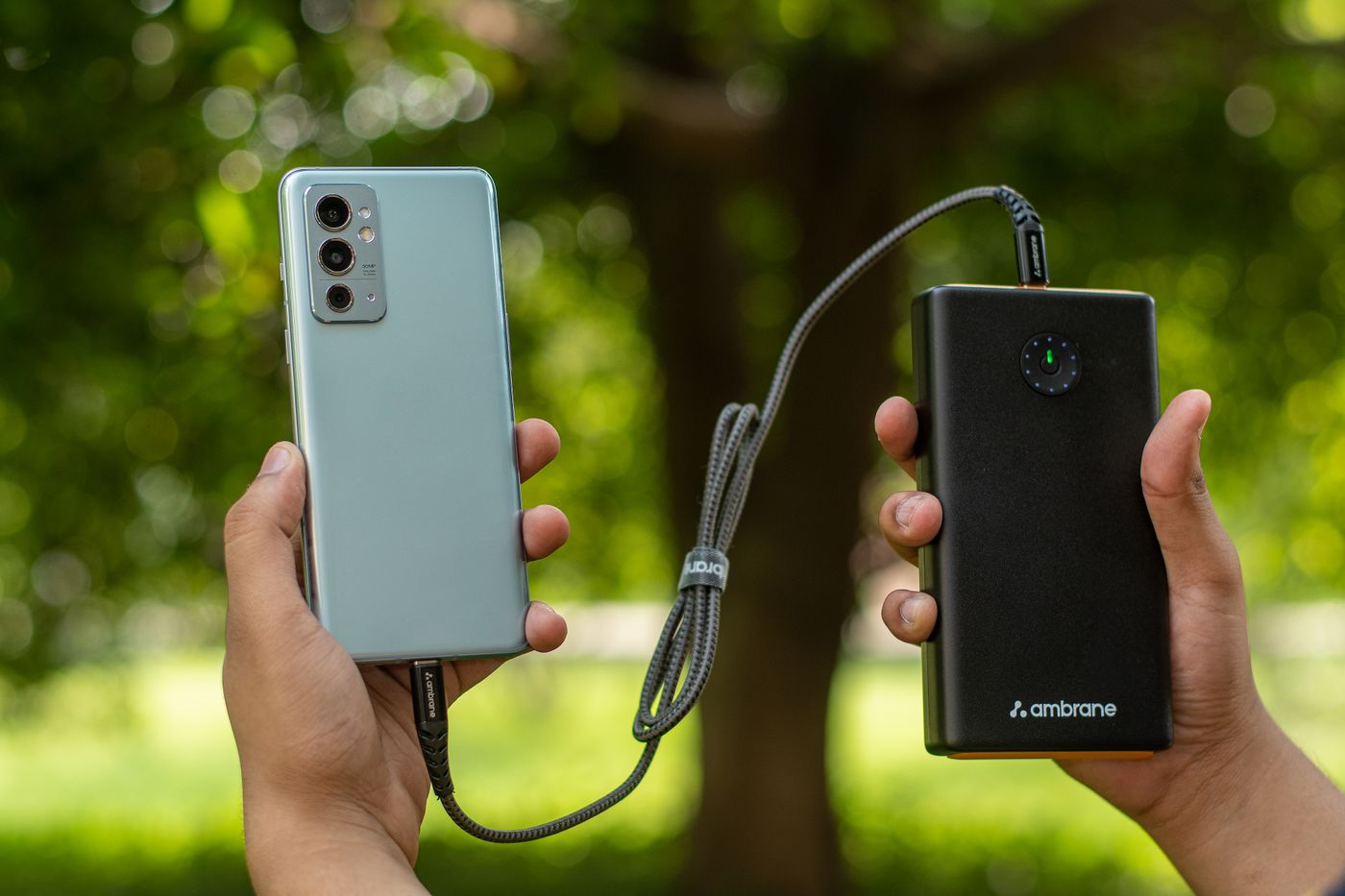
If you carry a battery pack, test it with the exact phone and cable you will take. Start the phone at a moderate charge and run a short, ordinary task, such as checking directions or playing saved audio. Check that the phone reports charging and that the level rises over a reasonable interval under those conditions. Some combinations can supply power but make little progress while a demanding task is running. The useful question is whether the set gives you enough margin in normal use, not whether a notice appears for a second.
Follow the equipment instructions for charging, storage, temperature, and compatibility. Keep the devices in positions that suit normal heat dissipation. If a cable disconnects as you move, use it only in a setup where it remains reliable or replace it with an appropriate one. Never judge a pack by the large battery capacity number alone. Internal capacity, delivered energy, and the amount added to a particular phone are expressed under different conditions. Your short test with ordinary hardware gives you a clear answer about what to pack.
Decide where the set will live. A short charging lead is convenient if the phone and pack can sit next to one another, and awkward if the phone needs to be used while the pack is in a closed pocket. Give the connector space so it is not bent sharply when you set the phone down. Store the cable with the pack so you do not have to reconstruct the arrangement from loose leads in the morning.
Try the pack once at the time you expect to use it, using the same bag or coat. A setup that works with everything on a table can become inconvenient when you have to walk with one hand free. You may decide to charge at a stop and put both devices away before leaving, rather than keeping them connected for the next hour. That changes what cable length you need and gives you a natural time to read the battery indicators. Pack the equipment you actually used in the trial and remember which connector belongs at which end.
Make the reserve part of the plan
Pick a point at which you will begin charging rather than waiting for the battery warning. The point can be linked to an event, such as sitting down for lunch, instead of a percentage. Give yourself extra margin on a day when time outdoors or network conditions are uncertain. If the priority is one ticket late in the day, save the approved fallback and leave enough charge to display it. The reserve exists to protect tasks you cannot move.
After the trip, note one thing that surprised you. Perhaps the phone barely changed while playing saved audio, but the screen stayed on for a long period when you waited for a ride. Perhaps the outlet you expected was occupied, and the pack you brought worked but had the wrong cable length. That detail can improve the next trip without changing the whole plan. The outcome to remember is when you needed power, how you got it, and whether the last essential task had enough margin.